GyanSetu360 mobile app
Everything in GyanSetu360, in your pocket — for administrators, faculty, students and parents. One app for every institution: enter your institution code once and stay logged in.
Android app
Android 7.0 or newer · Version 1.4.0
 Scan with your phone
How to start
- Download and open the app (for the APK, allow "Install unknown apps" for your browser when Android asks).
- Enter your institution code — it is the part after /s/ in your login address (for example mbps).
- Log in with the same username and password you use on the website.
- The app remembers your institution; use the menu → Switch institution to change it.
iPhone app
iPhone and iPad, iOS 15 or newer
Install the ERP on your iPhone from Safari. It opens full screen from its own icon, just like an app.
Add to Home Screen (Safari)
- Open your institution's login page in Safari (for example …/s/yourcode/login).
- Tap the Share button (the square with an arrow).
- Choose “Add to Home Screen”, then tap Add.
- Open the new icon on your Home Screen and sign in once.
No install needed
Every page works in any phone or computer browser. Chrome on Android also offers “Install app”.
Built for phones
Your institution, your colours
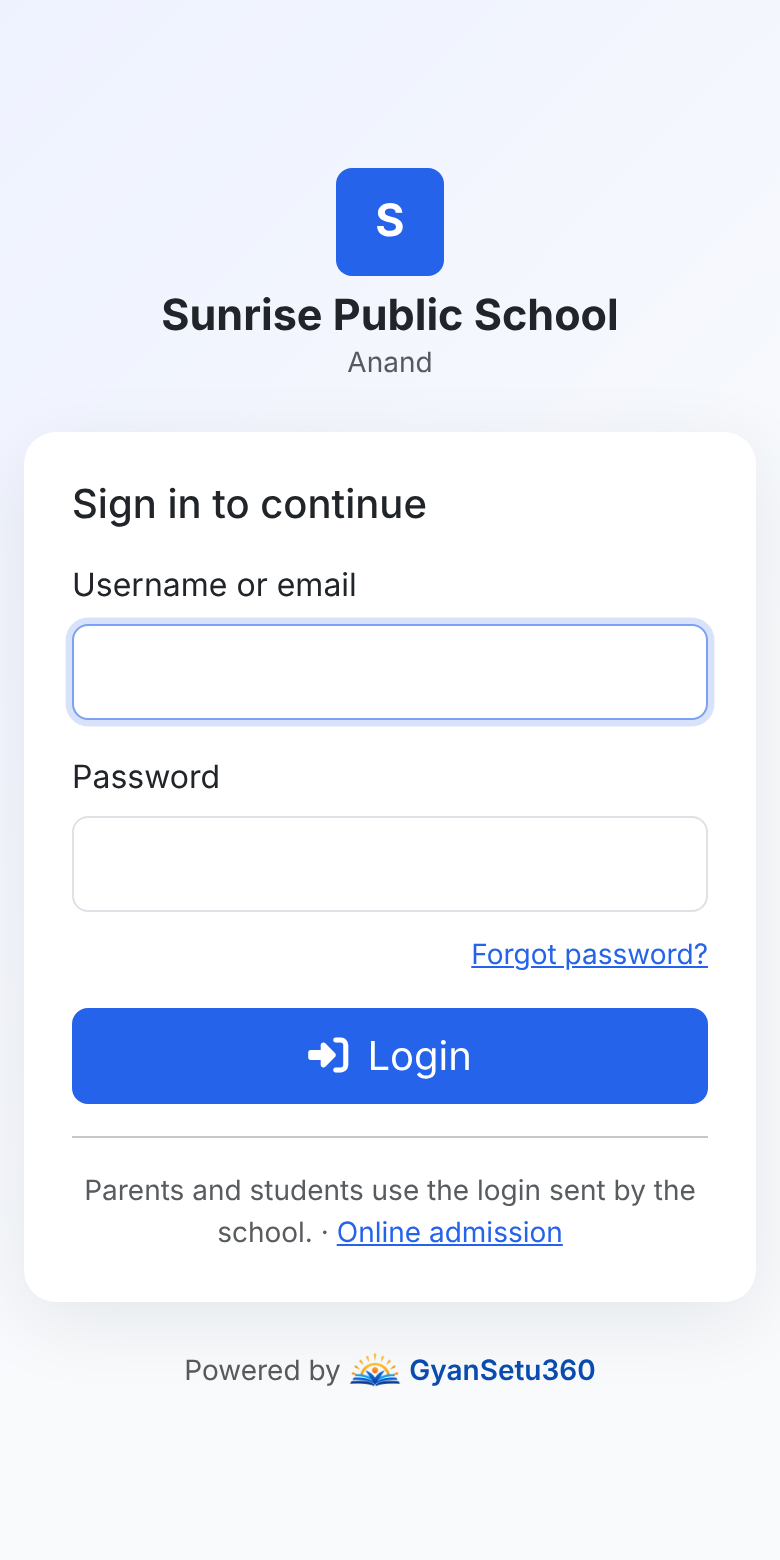
The app opens your institution's own portal with its name, logo and colour.
For every role
Admin, faculty, students and parents each see their own dashboard and permissions.
Camera uploads
Take student and staff photos or scan documents straight from the camera.
Receipts and reports
Fee receipts, report cards, certificates and exports download to the phone.
Pay with UPI
Online fee payment opens Google Pay, PhonePe, Paytm or any UPI app.
Always up to date
New features appear in the app as soon as the ERP is updated — no reinstall needed.
Links open in the app
Receipt, result and payment links shared on SMS or WhatsApp open straight in the app.
Print and PDF
Print receipts and reports to any printer or save them as PDF from the phone.
Secure by design
Encrypted connection, your own login and the same permissions as on the website.